A world to discover
Stone courtyards, towering battlements and paths beyond the familiar.

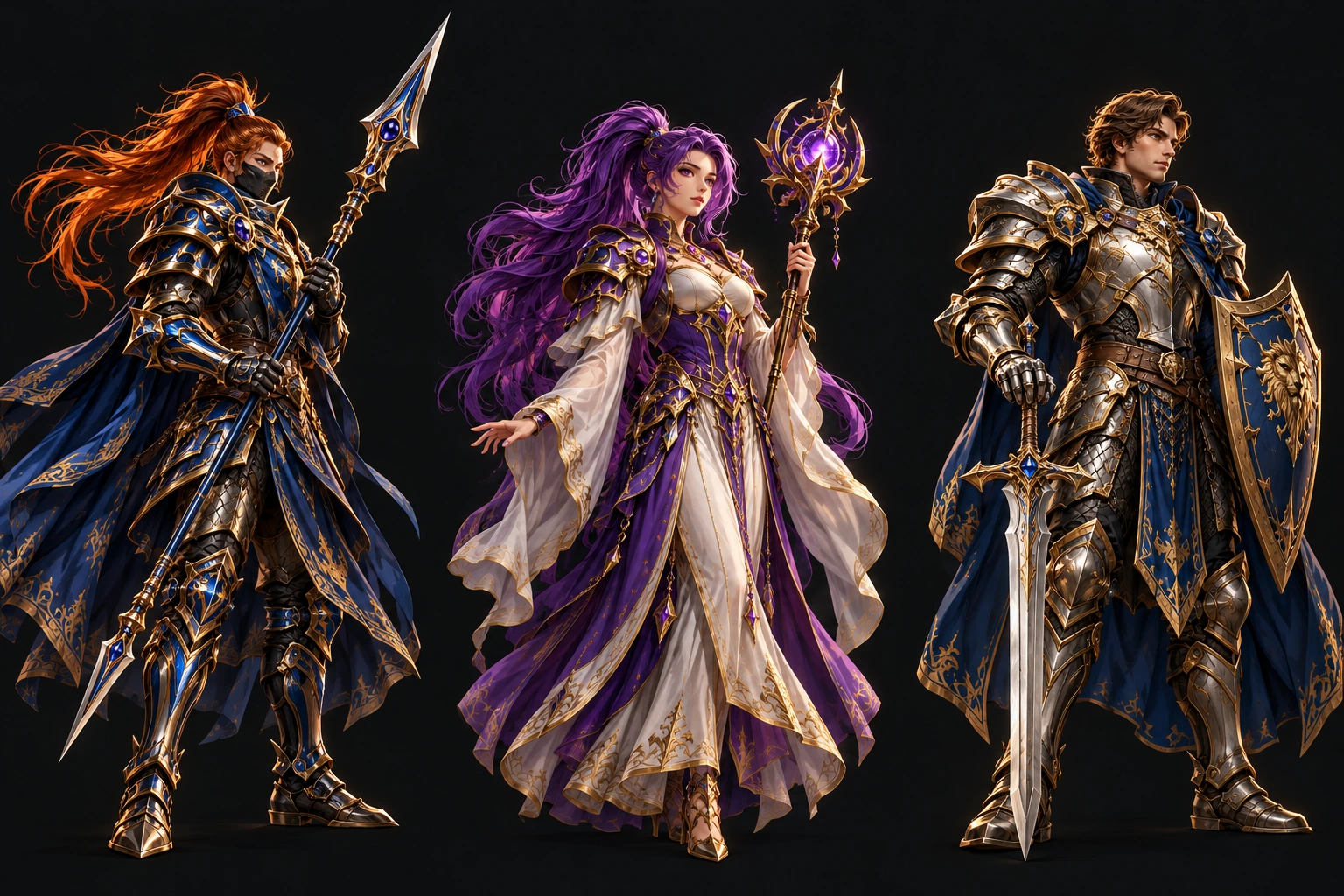 THREE CALLINGS. ONE REALM.
Your calling. Your companions.
A tale worth sharing.
A familiar world, reimagined. UniTale is currently in active development and testing.
Follow the journey01 The world of UniTale
The first gate you pass through. The companion at your side. The place you return to after a long journey.
UniTale brings the spirit of Priston Tale into a new chapter. Familiar classes and a shared world meet an expanding castle realm, built one careful step at a time.
Step into the realmOld friendships.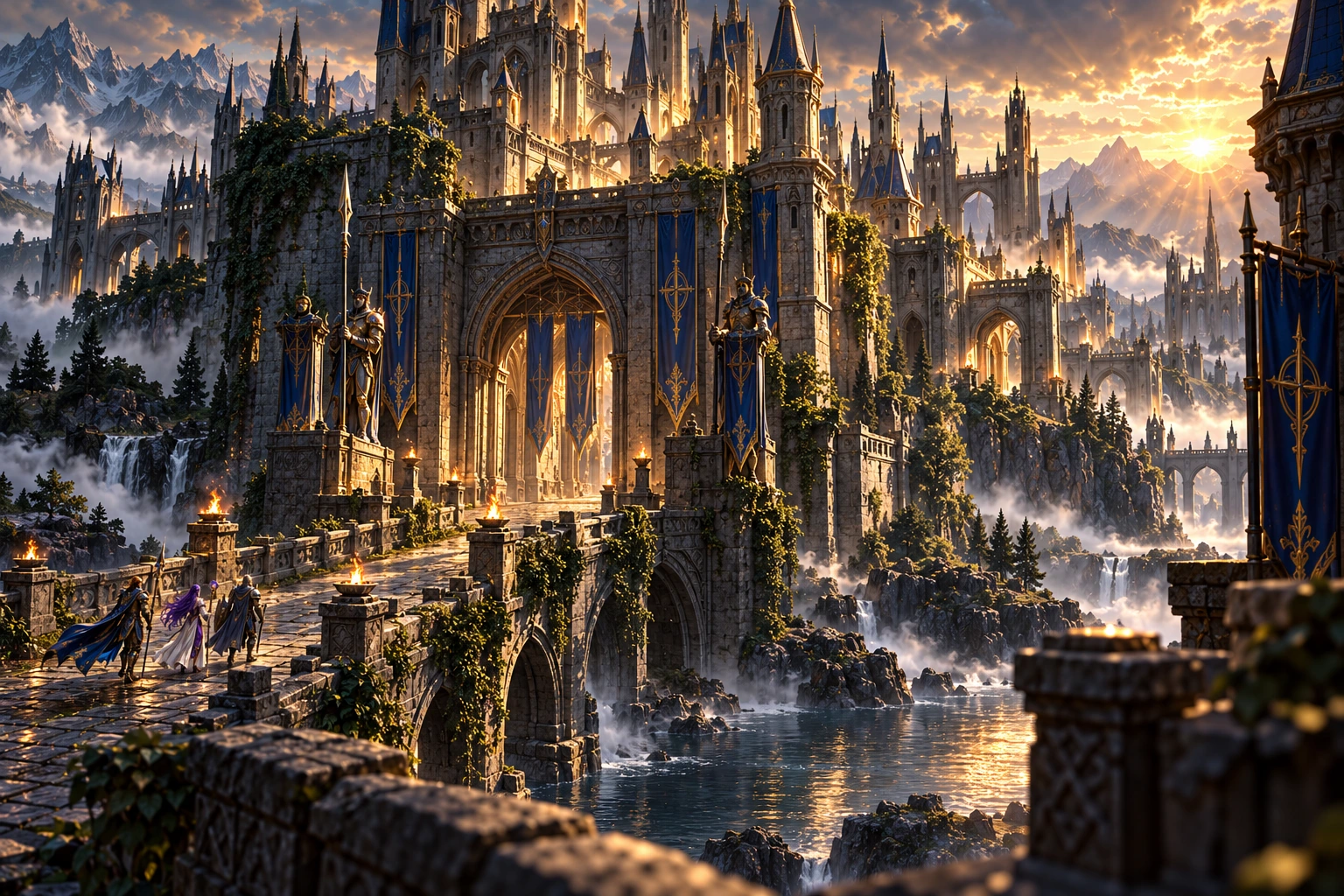
Stone courtyards, towering battlements and paths beyond the familiar.
Steel, precision or magic. Find the playstyle that feels like you.
Return with old friends. Meet new companions along the way.
02 Choose your calling
Meet three classic classes from the world of Priston Tale. Which story will you make your own?
Tempskron · Melee
Precision. Reach. Impact.
A master of the polearm, the Pikeman pairs a wide reach with precise, powerful strikes. For those who like to choose their moment and make it count.
One world. Many callings. Discover the other classes when you create your character.
Together in UniTale
Meet the adventurers exploring UniTale right now.
Your next companion may already be here.
| Adventurer | Class | Level | Location |
|---|---|---|---|
| Connecting to the realm… | |||
Checking who is in the realm.
The hall of legends
The highest-level adventurers in UniTale.
A place in the realm, earned one battle at a time.
| Rank | Adventurer | Class | Level |
|---|---|---|---|
| Loading the hall of legends... | |||
Reading the latest character saves.
Test realm standings. Levels reflect saved game progress; changes may appear after your character is saved.
03 From the realm
Development notes from the world we’re building. Small details. Meaningful changes.
The castle test realm opens into a wider world, with more destinations to explore.
English interface artwork brings familiar menus and controls into focus.
Find your resolution and switch between windowed and full-screen play.
Your next chapter awaits
Every adventure is better together.
The launcher downloads and updates the game files.
Create a free account, then use the same details to sign in to the game.
04 New adventurers
A few things to know before you step through the gates.
Download the Windows launcher above and open it on your PC.
Allow the launcher to download the current game files. Use it again to receive future updates.
Sign in with your UniTale game account and choose your character. New here? Create your game account using Sign in at the top of this page.
UniTale is evolving.
Here is what to expect today.
UniTale is an independent Priston Tale server project in active development and testing. The castle realm, interface and gameplay continue to evolve. Website illustrations express the visual direction; they are not in-game screenshots.
Choose Sign in in the navigation, then Create account. The same username and password work in the game. If you already have a game account, use it here. Contact the UniTale team for account recovery.
The available game client is for 64-bit Windows PCs. You can browse this website on mobile, but it does not run the game. A native mobile or macOS client is not currently provided.
Press F10 in the game to open display options. Choose a resolution, switch window mode, and adjust the available castle graphics preset for your PC.
Close the game and open the launcher. It checks for the latest update and downloads changed files. Wait for the update to finish before joining the realm.
Reopen the launcher and retry. If it stops again, use its Open log button and share that log with the UniTale team, together with the time of the issue.